AI Headshots for Law Firms: Consistent Attorney Photos Without Repeated Photo Shoots
Matthieu van Haperen
Founder & CEO, TeamShotsPro · Updated Mar 2026
TL;DR: Quick Answer
Law firms benefit most from AI headshots when the goal is visual consistency across partners, associates, and support staff.
Headshots generate in 60 seconds per person, replacing the coordination overhead of repeated studio sessions.
Team pricing runs $10.49-$29.99 per seat vs. $100-$300+ per person for traditional photography.
The critical success factor is policy: one approved visual standard, centralized review, and integration into attorney onboarding.
Firms should validate likeness and professionalism before publishing to any client-facing channel.

In legal services, your photo is part of your trust signal. Prospective clients review attorney bios, team pages, and LinkedIn profiles before they ever pick up the phone. If those photos look inconsistent, outdated, or low quality, the firm appears less organized than it actually is.
Many firms are turning to AI headshots because they need a repeatable system for keeping every attorney client-ready across offices, practice areas, and years of lateral hires.
This guide covers how legal teams implement AI headshots without compromising professional standards.
TL;DR
- Law firms benefit most from AI headshots when the goal is visual consistency across partners, associates, and support staff.
- Headshots generate in 60 seconds per person, replacing the coordination overhead of repeated studio sessions.
- Team pricing runs $10.49–$29.99 per seat vs. $100–$300+ per person for traditional photography.
- What determines success is policy: one approved visual standard, centralized review, and integration into attorney onboarding.
- Firms should validate likeness and professionalism before publishing to any client-facing channel.
Why Law Firms Have a Headshot Consistency Problem
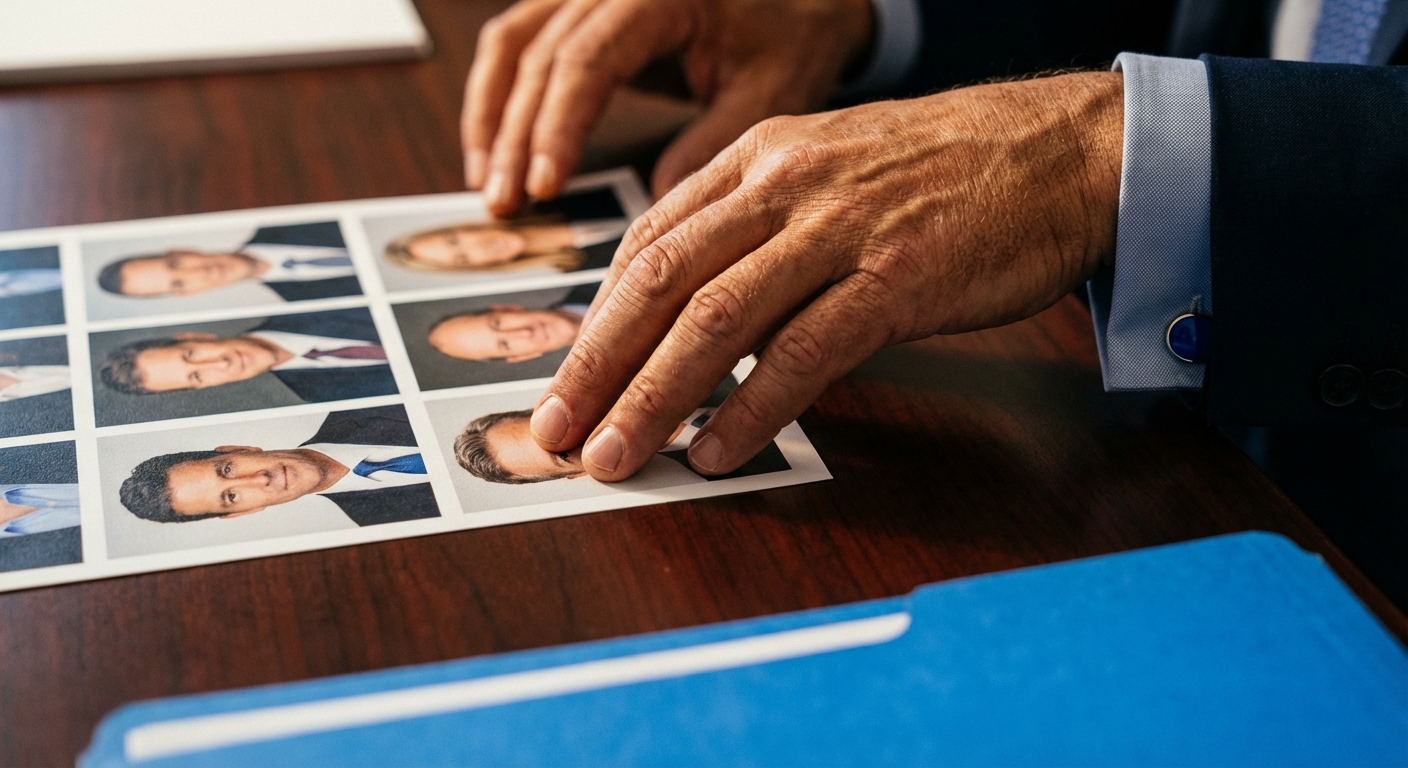
Getting one strong partner portrait is rarely the problem. The challenge is keeping the entire roster aligned as the firm grows, hires laterally, and opens new offices.
The pattern is predictable:
- Legacy partner photos shot in one studio style five or ten years ago.
- New associate photos from a different photographer with a different look.
- Lateral hires arriving with self-supplied headshots that match nothing.
- Support staff pages with mixed quality, mixed crop, and mixed backgrounds.
For broader team photo strategy, see Professional Team Headshots in 2026.
Where Attorney Headshots Appear
A law firm headshot must perform across multiple high-stakes surfaces:
- Attorney bio pages, often the first thing a prospective client reads
- Practice area pages, where teams are evaluated side by side
- Pitch decks and proposals, where your firm competes directly against others
- Speaking and media bios, where credibility is assessed in seconds
- Legal directory profiles like Martindale-Hubbell, Avvo, and Chambers
- LinkedIn and recruiting assets, where lateral candidates and referral partners evaluate you
AI Headshots vs. Traditional Photography for Law Firms
Traditional studio sessions still make sense for specific brand campaigns or marquee partner portraits. For ongoing firm-wide consistency, especially with regular lateral hiring, an AI workflow with locked presets is far easier to operate and enforce.
| Factor | Traditional Photographer | AI with Firm Preset |
|---|---|---|
| Scheduling overhead | High (coordinate across offices) | Low (each attorney uploads independently) |
| Speed to usable photos | Days to weeks | 60 seconds |
| Consistency across offices | Depends on photographer | Built-in with preset |
| New attorney onboarding | Wait for next shoot cycle | Same day |
| Cost per person | $100–$300+ | $10.49–$29.99 per seat |
For a direct comparison framework, see AI Headshots vs Photographer.
Visual Standards for Law Firms
Legal clients expect clarity, stability, and seriousness. Your headshot style should communicate all three immediately.
Background
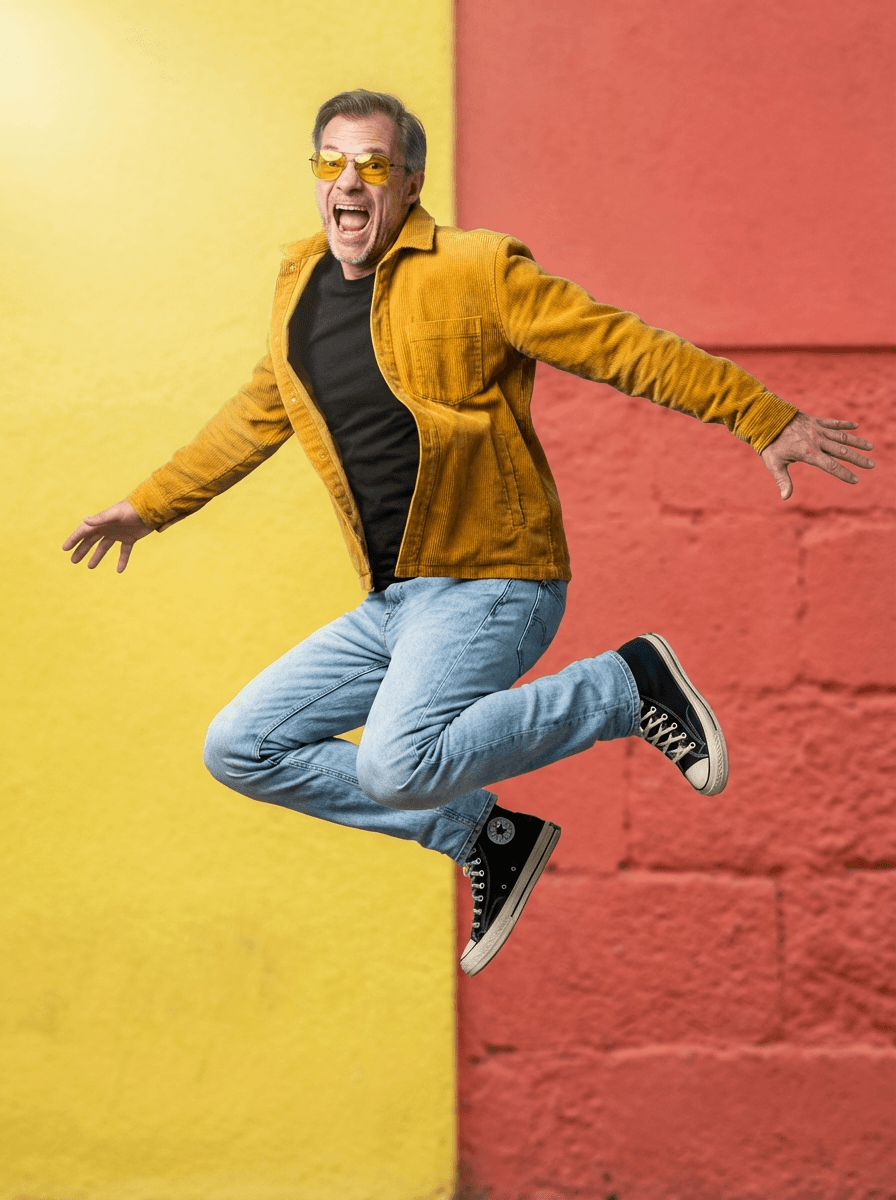
Neutral or dark-neutral backgrounds work best for legal profiles. Slate gray, charcoal, or muted cool neutrals signal authority without distraction. Avoid stylized scenes, creative gradients, or trendy effects. They feel out of place in a legal context and age poorly.
For firms that want a slightly warmer feel (recruiting pages, for example), a soft neutral gray serves as a credible fallback.
Expression and Tone
Confident and approachable. Attorneys should look credible and human, which means avoiding both overly casual smiles and stiff passport-like expressions. Expression guidance should be consistent across the firm so the bio page reads as one cohesive team, not a collection of individual portraits.
Attire
Business formal or conservative business attire by default. Set clear internal rules: no loud patterns, no distracting logos, role-appropriate formality. A one-page attire guide sent before selfie collection eliminates most QA issues.
Framing and Crop
Standardize to head-and-shoulders composition with consistent crop margins across every attorney. Mixed framing makes a bio page look unstructured within seconds. Every photo should be recognizable at thumbnail size for directory listings and mobile views.
Lighting
Clean, balanced, and non-dramatic. Legal profiles should look intentional and polished without appearing theatrical. Heavy shadows and stylized color casts pull attention away from the attorney. The photo should read as a professional credential, not a creative portrait.
For deeper background selection, see Headshot Background Ideas.
Professional headshots from $10.49
Upload a selfie. Get studio-quality headshots in 60 seconds.
Upload a Selfie → Get Team HeadshotsImplementation Playbook for Legal Teams
This rollout works for firms from 15 attorneys to 500+.
Step 1: Define One Firm Standard
Document your baseline style covering background, lighting, expression, attire, and crop before generating anything. If the standard is not written down, every office and every practice group will interpret "professional" in its own way.
Step 2: Assign Review Ownership
Designate one review owner, typically Marketing, Brand Ops, or a firm administrator, with authority to approve or reject outputs. Without a single owner, standards drift within the first month. Partners should not self-approve their own headshots.
Step 3: Roll Out in Cohorts
Start with leadership and partners, then associates by office or practice area, then support and operations staff. Rolling out in cohorts keeps the review workload manageable and gives the review owner predictable queues.
Step 4: Enforce Input Quality
Require each attorney to upload at least 2 clear selfies taken in good natural light, at eye level, with no heavy filters. Poor input produces poor output. A brief "how to take your selfie" email sent before the rollout prevents most quality issues.
Step 5: QA Before Publishing
Review every output against a firm-level checklist:
- Likeness is accurate. Would a client recognize this person?
- Style matches the approved preset.
- Expression is professional and appropriate.
- No visible artifacts around hair, glasses, or collar edges.
Step 6: Integrate Into Attorney Onboarding
Add headshot completion to the first-week onboarding checklist for new attorneys, lateral hires, and staff. This is what prevents consistency from decaying as the firm grows. Without this step, every new hire becomes a visual outlier.
For firms with attorneys across multiple locations, see Remote Team Headshots.
Quality and Risk Controls
Firms evaluating AI headshots typically raise four concerns. Each one has a straightforward answer.
Likeness accuracy. Central review plus a retry flow. If the output does not clearly look like the attorney, regenerate with better input photos before publishing. There is no cost penalty for retrying. Professional tone. Strict style presets and attire guidance, enforced by one review owner. Do not allow attorneys to self-select background or style options. That is how consistency breaks. Data and privacy. Include your firm's IT and legal teams in vendor evaluation. Align the workflow with your data handling and privacy policies before rollout. Brand drift over time. One policy document, one review owner, one approved preset. Review the standard annually or when the firm rebrands.For privacy-specific concerns, see Are AI Headshots Safe?. For a ready-to-use policy template, see our Corporate Headshot Guidelines Template.
Common Mistakes Firms Make
Treating Headshots as a One-Time Project
The firm refreshes photos once, then drifts again as attorneys join, change roles, and move between offices. The fix is straightforward: embed headshot generation into onboarding and set a refresh cadence, every 12 to 24 months or on significant role change.
Allowing Too Many Styles
More options feel flexible, but they destroy the consistency that makes the investment worthwhile. One primary style with one limited fallback for leadership is the right balance.
No Final QA Layer
Publishing outputs without centralized review creates avoidable errors on client-facing pages. One person with one checklist prevents this entirely.
No Distribution Plan
Photos are generated and approved but never updated across every surface. The firm website gets refreshed, but directory profiles, LinkedIn, email signatures, and proposal templates do not. Plan the distribution sequence before starting generation.
FAQ
Are AI headshots appropriate for attorney bios?
Yes, provided they meet the firm's standards for professionalism, likeness, and consistency. Many firms already use them for bio pages, directory profiles, and proposal materials. The critical requirement is centralized review before publishing.
How many selfies should attorneys upload?
A minimum of 2 clear selfies in good natural light. More high-quality inputs improve likeness accuracy. Selfies should be recent, taken at eye level, with a neutral expression.
Can firms maintain one consistent look across offices?
Yes. A locked style preset ensures every attorney, regardless of location, gets the same background, lighting, and framing. Centralized approval enforces the standard.
How fast can a firm onboard new attorneys with updated photos?
Generation takes 60 seconds per person. The timeline depends on your internal review process. Most firms complete generation, review, and distribution within the same week.
Should firms still use traditional photography?
Some firms keep traditional sessions for specific campaigns, partner retreats, or marquee leadership portraits. For ongoing firm-wide consistency and new attorney onboarding, AI workflows with locked presets are easier to maintain.
One Standard, Every Attorney
For law firms, headshots are part of trust infrastructure.
Define the standard once. Review centrally. Integrate into onboarding. Maintain it consistently. That system produces a cleaner attorney roster, faster profile updates, and a stronger first impression across every client-facing channel.
The firms that look most polished online are rarely the ones with the most expensive photographers. They are the ones with a written standard and someone accountable for enforcing it.
Professional headshots from $10.49/person Your firm has the standard. Now get the tool. Consistent attorney headshots in 60 seconds. Regenerate until approved. Get Team Headshots ->
Frequently Asked Questions
Are AI headshots appropriate for attorney bios?▼
Yes, when they meet the firm's standards for professionalism, likeness, and consistency. Many firms use them for bio pages, directory profiles, and proposal materials. The key is centralized review before publishing.
How many selfies should attorneys upload?▼
Minimum 2 clear selfies in good natural light. More high-quality inputs improve likeness accuracy. Selfies should be recent, taken at eye level, with a neutral expression.
Can firms maintain one consistent look across offices?▼
Yes. A locked style preset ensures every attorney gets the same background, lighting, and framing regardless of location. Centralized approval enforces the standard.
How fast can a firm onboard new attorneys with updated photos?▼
Generation takes 60 seconds per person. Most firms complete generation, review, and distribution within the same week.
Should firms still use traditional photography?▼
Some firms keep traditional sessions for specific campaigns or marquee leadership portraits. For ongoing firm-wide consistency and new attorney onboarding, AI workflows with locked presets are easier to maintain.
Ready to get started with TeamShotsPro?
Generate professional AI headshots in 60 seconds.
Upload a Selfie → Get Team Headshots
About the Author
Founder & CEO, TeamShotsPro
Matthieu van Haperen runs TeamShotsPro, where he has helped hundreds of teams get professional AI headshots. Before founding TeamShotsPro, he spent 6+ years building and scaling tech startups. He writes about professional photography, team branding, and how AI is reshaping corporate imagery.
Connect on LinkedIn →