On this page
Corporate Photoshoot Checklist for Teams
MH
Matthieu van HaperenFounder & CEO, TeamShotsPro · Updated November 6, 2026
TL;DR
Use this page to plan a team photoshoot day. For matching team headshots without running that day yourself, see TeamShotsPro corporate photoshoot for teams. In practice:
List deliverables — individual headshots, team/workplace shots, office/brand images (only what you will publish).
Write a one-page brief — headcount, locations, look, usage rights, timeline, missed slots, new hires.
Build a run-of-show — setup, per-person queue, culture block, end-of-day file handoff.
Decide the headshot block — on-site photographer for co-located directed portraits, or matching AI headshots when people are remote, hybrid or joining after photo day.
Budget the headshot slice separately — published on-site team days often land around $100–$300 per person before add-ons (overview only; depth on the cost guide); for TeamShotsPro, see team pricing. Generation takes about a minute per photo.
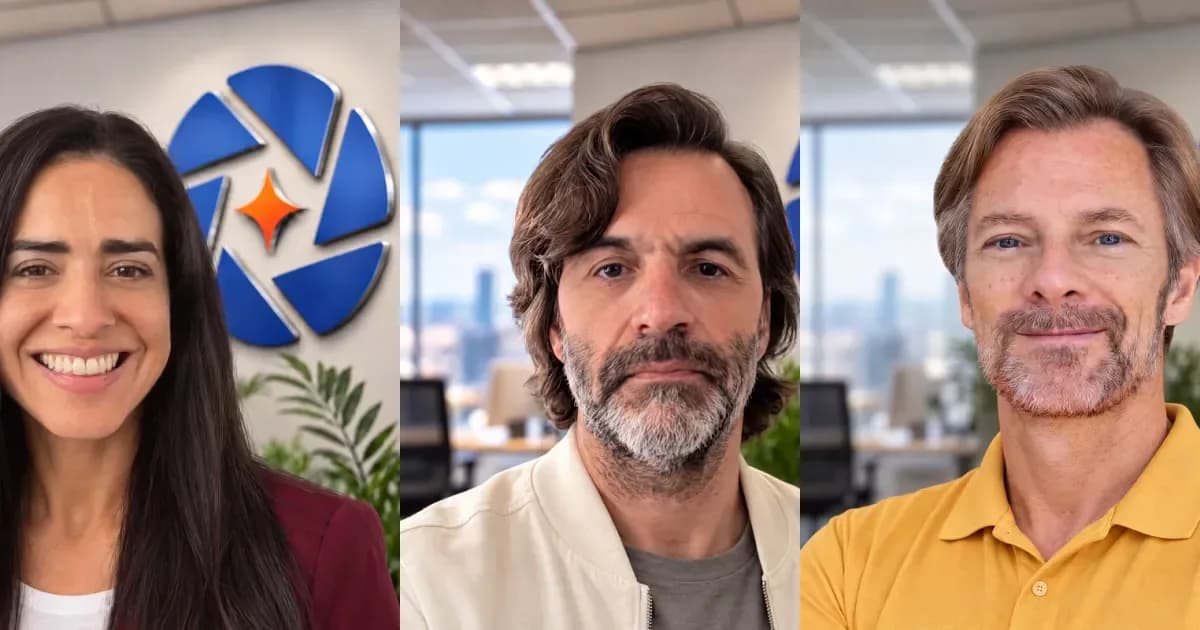
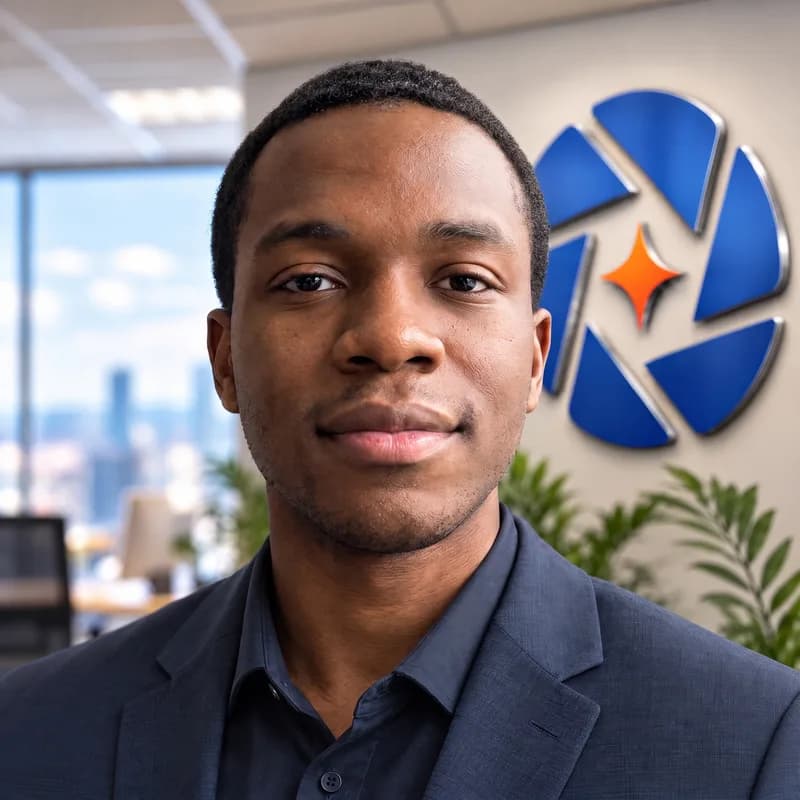
TeamShotsPro example headshot
Need a headshot just for yourself? This guide is for companies planning a team photoshoot day. For a personal headshot, see Portreya.
What to include in a corporate photoshoot
Start from the places the photos will appear (website team page, LinkedIn, proposals, careers, press), then build a shot list around three deliverables:
Scroll to see all columns →
| Deliverable | What it is | Who owns the day |
|---|---|---|
| Individual headshots | Matching head-and-shoulders for staff profiles, LinkedIn, directories, proposals | Photographer on site or locked AI company style |
| Team and workplace photos | Group portraits and people working together for careers pages and company stories | On-site photographer / brand day |
| Office and brand images | Spaces, products and details for the website and marketing | On-site photographer / brand day |
Agree background, crop and attire for headshots before anyone stands in front of a camera — start from the corporate headshot guidelines template. Group and office shots sit next to the headshot set; they do not replace it.
Brief before you book (or before photo day)
Send this in one page before anyone asks for a deposit or blocks calendars:
- Headcount and locations: who must appear, which offices, who is remote.
- Deliverable mix: headshots only, or headshots plus culture / group / environmental.
- Look: background (named color or one blur), crop, attire rule, expression.
- Usage: website, LinkedIn, directories, proposals, press, paid ads (ask what the license covers).
- Timeline: shoot date, proofing date, final delivery, who approves.
- New hires: how someone who joins next month gets a matching photo.
- Missed slots: reshoot policy and price if someone is out sick.
- Owner: one person in HR or marketing owns the calendar, chase-ups and publication.
Run-of-show for an on-site photoshoot day
A workable day for a co-located team usually looks like this:
Scroll to see all columns →
| Block | What happens |
|---|---|
| T−2 to 4 weeks | Book photographer or lock AI style; reserve room; send attire + selfie guidance; collect headcount |
| T−1 week | Confirm queue order; mark remote / on leave; prep backup slot list |
| Setup (30–90 min) | Light and background lock; test frame; first volunteer |
| Headshot queue | Typically a few minutes per person once the studio is up (published guides often cite about 5–15 minutes each) |
| Culture / group / office block | Only if those deliverables are on the brief |
| End of day | Proofing path, naming convention, who publishes where |
| After | Finals delivery (often 1–2 weeks unless rush); new-hire plan stays open |
Pulling people away from work for 15–30 minutes each, plus often a few weeks of lead time to find a date that works, is the hidden cost of a traditional day — not only the photographer invoice.
Corporate photoshoot planning checklist
Before the day
- Shot list signed off (headshots / team / office) with channels named
- One-page brief sent (headcount, look, usage, timeline, missed slots, new hires)
- Photographer booked or AI company style locked and tested with 3 free photos
- Attire and location guidance sent to everyone on the list
- Room / lighting reserved (on-site) or selfie instructions sent (remote)
- Approver named; publication owners named for website and LinkedIn
- Budget line for photographer add-ons or TeamShotsPro seats (see team pricing)
- Setup complete before the first person arrives
- Queue posted; remote / absent marked for the fallback path
- Headshot block finished before culture/group shots (or vice versa if brief says so)
- File naming + proofing path confirmed before the photographer leaves
- Proofs reviewed against the written standard (background, crop, attire)
- Finals published to website, directory and LinkedIn
- New-hire and missed-slot process still open
- If the headshot block used AI: each person reviewed their own set before publish
When matching AI headshots replace a full office photo day
Skip booking a full office headshot day when:
- The only missing deliverable is matching head-and-shoulders photos for the website, directory and LinkedIn.
- The team is remote, hybrid, or hiring every month, so a single photo day will be out of date quickly.
- You need a set this week, and you can lock one company style and review each person's photos before publishing.
- You still want a photographer later for leadership portraits or a culture day, and AI covers everyone else (a common hybrid).
Keep a photographer for culture shots, group photos, office imagery and any role where live direction is part of the brief. For the hire decision on headshots alone, use the corporate headshot photographer guide.
TeamShotsPro pricing for the headshot block
Current TeamShotsPro team pricing lives on See team pricing. Try 3 free test photos in your company's style first, no card needed.
City-by-city photographer ranges, location fees and add-on tables stay on professional headshots cost for teams. Use the headshot cost calculator for a photographer/team budget total.
TeamShotsPro corporate photoshoot for teams (product)
When you want matching team headshots without scheduling a photo day, go to the TeamShotsPro corporate photoshoot for teams landing.
Why TeamShotsPro fits the headshot block for small and mid-sized teams
You set the company style once, invite the team, and each person uploads one selfie. There is no model training. Generation takes about a minute per photo. People you invite later get the same locked style, so new hires match the set you already published.
TeamShotsPro is for small and mid-sized teams (2 to 199 seats self-serve). It has no compliance certification such as SOC 2. If procurement requires a certification or a security review, compare providers that publish one in our AI headshot alternatives for teams overview. A Data Processing Agreement (DPA) is available on request.
Frequently Asked Questions
What should we include in a corporate photoshoot for a team?▼
Individual matching headshots for website and LinkedIn, plus only the team/workplace and office/brand images you will actually publish. Write the channels first, then the shot list. Headshots are the expensive, calendar-heavy slice.
How do we plan a corporate photoshoot day?▼
Use the checklist on this page: brief (headcount, look, usage, timeline, missed slots, new hires), run-of-show, attire guidance, named approver, and a fallback for remote staff and people who join after the day.
How much does a corporate photoshoot cost?▼
On-site team headshot days commonly publish around $100–$300 per person before travel, extra retouches and rush — do not multiply an individual studio package by headcount. For the TeamShotsPro headshot block, see team pricing. Full city and add-on tables: our cost guide.
When can matching AI headshots replace a full office photo day?▼
When the missing deliverable is matching head-and-shoulders photos for website and LinkedIn, and the team is remote, hybrid or hiring fast. AI does not replace culture, group or office imagery.
How long does a corporate photoshoot take to organize?▼
Plan booking lead time for an on-site day (often a few weeks to lock a date), plus a few minutes per person once the studio is up, and often one to two weeks for retouched finals. With TeamShotsPro there is no shoot day for the headshot block; generation takes about a minute per photo after each selfie is uploaded.
Can remote employees be included?▼
Yes. Either book local/on-site sessions per city, wait for an in-office day, or use a locked AI company style so remote and HQ staff match. New hires use the same AI style without waiting for next year's shoot.
Does TeamShotsPro replace every part of a corporate photoshoot?▼
No. It replaces the matching headshot block. Culture shots, group photos and office imagery still need a camera on site. Hybrid plans are common: photographer for leadership/culture, AI for the wider team.
Where do we start with TeamShotsPro for the team?▼
On the TeamShotsPro corporate photoshoot for teams landing. This blog is the planning checklist only.
About a minute per photo
Ready to get started with TeamShotsPro?
Give every new hire a photo that fits the team. Keep one professional presence across your directory, LinkedIn and website.
One-time payment · 14-day money-back guarantee
No credit card needed
Related reading
About the Author
Founder & CEO, TeamShotsPro
Matthieu van Haperen runs TeamShotsPro and writes about professional photography, team branding, and practical ways distributed teams can keep employee imagery consistent.
Connect on LinkedIn →